Seeing Films as they mean to be seen
Every film begins with a visual intention. The director, cinematographer, colorist, and post-production team make thousands of creative decisions about contrast, color, brightness, shadow detail, and atmosphere. These choices are not accidental. They define how a scene feels, how the story is perceived, and how the audience emotionally connects with the image.
A Director of Photography works closely with the director to shape that look. On professional productions, this work is done under controlled lighting conditions, using high-end reference monitors that are carefully calibrated and often cost tens of thousands of euros. This controlled environment allows the filmmakers to create what is commonly called the film’s creative intent: the version of the image that represents how the film is supposed to look.
The problem begins when that image leaves the studio.
Once a film reaches cinemas, streaming platforms, Blu-ray players, and home televisions, the original creative intent is no longer guaranteed. Every viewer is watching on a different screen, in a different room, with different settings. Some displays are accurate. Many are not.
A well-known example is the beach scene in House of the Dragon, Season 1, Episode 7, where Daemon and Rhaenyra appear in an extremely dark environment. The scene was intentionally graded to be very dim, creating a specific mood and atmosphere. In a controlled environment, on a properly calibrated display, the image retains its intended detail and tone. On a bright living-room TV using inaccurate settings, however, much of that detail can disappear entirely.
This is not always the fault of the film. Often, it is the result of the display.

Why Most TVs Do Not Show an Accurate Image Out of the Box
Many televisions are shipped with aggressive picture modes designed to look impressive in a showroom. These modes often increase brightness, exaggerate color saturation, sharpen the image unnaturally, and alter contrast to make the picture appear more vivid at first glance.
This may look attractive for a few seconds in a shop, but it is not accurate. A “Vivid” or overly enhanced mode can completely change the look of a film. Skin tones can become unnatural, shadows can be crushed, highlights can clip, and carefully graded colors can shift away from what the filmmakers intended.
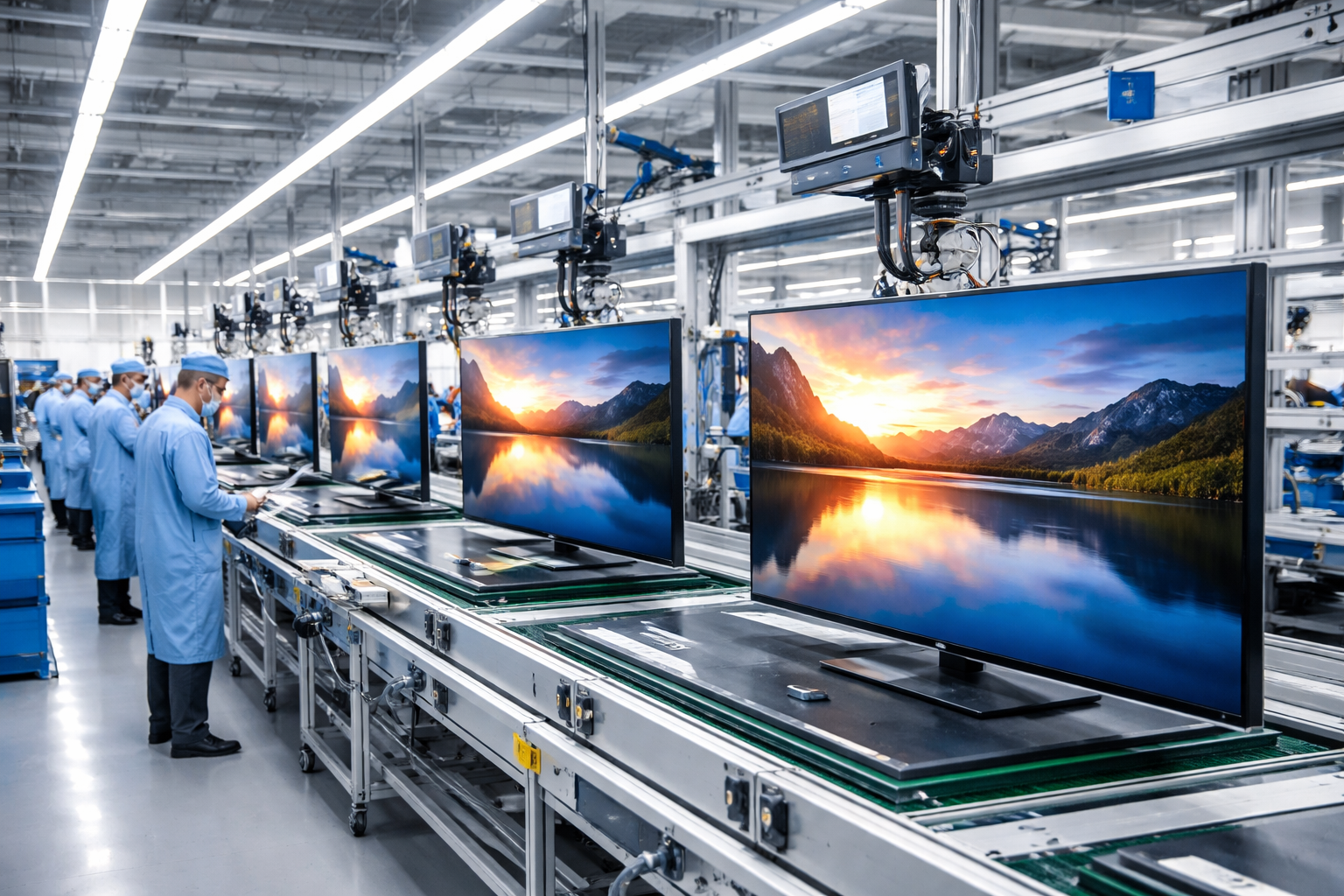
Even TVs of the same model are not always identical. Manufacturing tolerances, panel variation, firmware changes, and different factory settings can all create visible differences between units. A premium OLED or Mini LED TV can still be inaccurate if it has not been measured and adjusted properly.
That is where calibration becomes important.
What Calibration Actually Does
Professional TV calibration aligns your display with industry standards. Instead of relying on factory presets or visual guesswork, the TV is measured with specialist instruments and adjusted so that grayscale, gamma, color, brightness, and contrast behave correctly.
The goal is not to make the image subjectively “prettier.” The goal is accuracy.
A properly calibrated TV allows you to see films, series, games, and broadcast content much closer to the way they were mastered. Shadow detail is preserved. Highlights are controlled. Skin tones look natural. Colors are balanced. The image becomes more consistent, more reliable, and closer to the original creative intent.
If you have invested in a high-end television, calibration helps you get the full value from it. There is little point in owning an expensive OLED or premium display if inaccurate settings are causing color shifts, crushed blacks, or blown-out highlights.
What to Expect During a Calibration Session
A professional calibration session is a structured process. It is not simply a matter of changing a few settings by eye.
1. Initial Assessment
The session begins with test material and measurements to evaluate the TV’s current performance. We also discuss any issues you have noticed, such as raised blacks, overly bright HDR, strange skin tones, excessive saturation, or loss of shadow detail.
2. TV Configuration
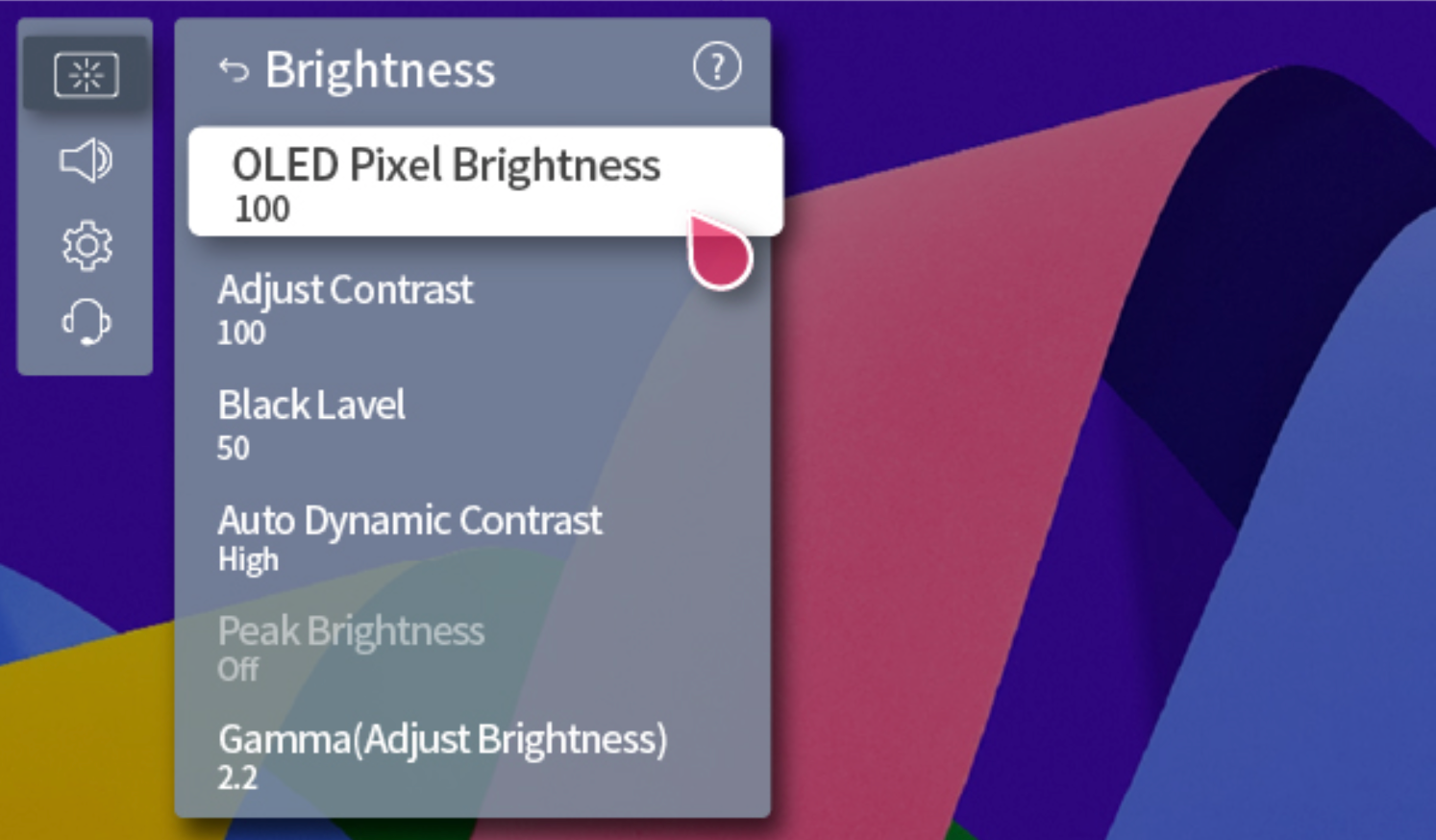
Before calibration starts, the TV is configured correctly. This includes selecting the appropriate picture mode, disabling features that interfere with accurate measurements, and setting the correct brightness, contrast, and processing options.
Power-saving features, dynamic contrast, unnecessary sharpening, and other image-altering settings are usually disabled because they can make the image unstable or inaccurate.
3. Pre-Calibration Measurements
Before making corrections, we capture the TV’s current performance. This gives us a clear reference point and allows us to compare the display before and after calibration.
These measurements show how accurate the TV is from the factory and identify the areas that need correction.
4. Calibration
The calibration itself involves correcting grayscale, white balance, gamma or EOTF tracking, and color performance.
Grayscale calibration ensures that neutral tones do not have unwanted color casts. For example, gray should not appear too blue, too green, or too red. Color calibration then refines how accurately the TV reproduces the colors used in SDR, HDR, or Dolby Vision content.
Depending on the TV model and its capabilities, this may involve adjusting internal controls or uploading more advanced correction data, such as a 3D LUT, where supported.
5. Final Evaluation
After calibration, the TV is measured again. These post-calibration results are compared against the original measurements so you can see exactly what improved.
The final stage verifies that the display is now behaving correctly and that the calibrated mode is suitable for real viewing conditions.
SDR, HDR, and Dolby Vision Calibration
Modern TVs usually support several different content formats, including SDR, HDR10, and Dolby Vision. These formats do not all use the same internal processing or correction tables.
This means that calibrating SDR does not automatically calibrate HDR or Dolby Vision. Each mode may need to be measured and adjusted separately to ensure accurate performance across different types of content.
For example, SDR content follows a different brightness and tone response than HDR. Dolby Vision also has its own processing path. For best results, each important viewing mode should be calibrated independently.
Which Picture Modes Are Calibrated?
Most TVs include several picture modes, such as Filmmaker Mode, Cinema, ISF Bright, ISF Dark, Game, or Vivid. Calibration is normally performed on the most accurate and flexible modes, not on the most exaggerated ones.
For film and TV viewing, modes such as Filmmaker, Cinema, ISF Dark, or ISF Bright are usually the best starting points.
Some users choose to calibrate one mode for daytime viewing and another for nighttime viewing. A brighter mode can be useful in a living room during the day, while a darker, more controlled mode is better suited for evening viewing or a dedicated home cinema.
If you want multiple modes calibrated, this should be requested in advance because each mode requires additional measurement and correction work.
After the Calibration
After the session, you receive a report showing the TV’s performance before and after calibration. This report documents the corrections made and provides a clear overview of the improvement.
It is also important to understand that calibration can be affected by later changes. If you reset the TV, change core picture settings, apply a major firmware update, or have the TV serviced, the calibration may no longer be valid.
For critical viewing environments, such as high-end home cinemas or professional monitoring setups, yearly calibration is recommended. For more casual home use, recalibration every 18 to 24 months is usually sufficient. If the TV is repaired or its panel is replaced, it should be recalibrated.
How Can You Trust the Results?
At DResearch Lab, calibration is performed by experienced, ISF-certified calibrators with more than a decade of hands-on experience. Across our team, we have calibrated thousands of displays from all major manufacturers, from consumer TVs to professional reference monitors and cinema projection systems.
We use high-end, NIST-traceable measurement instruments and professional calibration software to ensure reliable and repeatable results. Our equipment allows us to work across a wide range of display technologies, including OLED, LCD, Mini LED, projection systems, in-vehicle displays, and Hollywood-grade reference monitors.
Our tools include:
Colorimetry Research CR-100
Colorimetry Research CR-300
Klein K-80
JETI Specbos 2501 UV-NIR
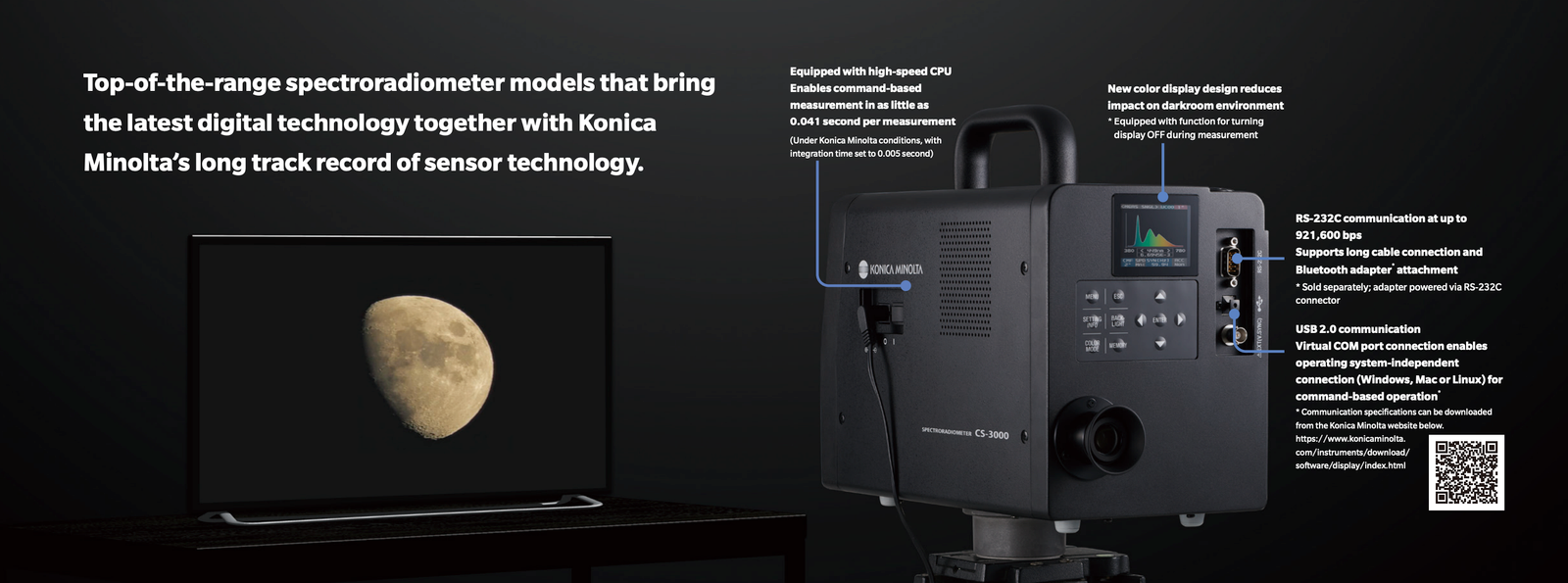
Konica Minolta CS-3000HDR
Calman Ultimate
ColorSpace INF
This level of instrumentation, combined with extensive practical experience, allows us to deliver precise, dependable calibration results.
Final Thoughts
TV calibration is not about changing the image to match personal taste. It is about removing errors so the display can reproduce content as accurately as possible.
For anyone who cares about film, image quality, or high-end home cinema, calibration is one of the most important steps after buying a good television. It ensures that the screen is not just bright and impressive, but accurate, consistent, and faithful to the creative intent behind the content.