
Convert images and videos right from Finder on your Mac.
Batch JPEG, HEIC, WebP, AVIF, and video files locally.
€9.99.
Batch JPEG, HEIC, WebP, AVIF, and video files locally.
- Convert images between JPEG, PNG, WebP, AVIF, and HEIC.
- Convert videos to MP4, MOV, WebM, and MKV.
- Encode video with H.264 / AVC, H.265 / HEVC, VP9, and AV1.
- Choose AAC or Opus audio, or remove audio entirely.
- Fly through H.264 and H.265 conversions with hardware acceleration.
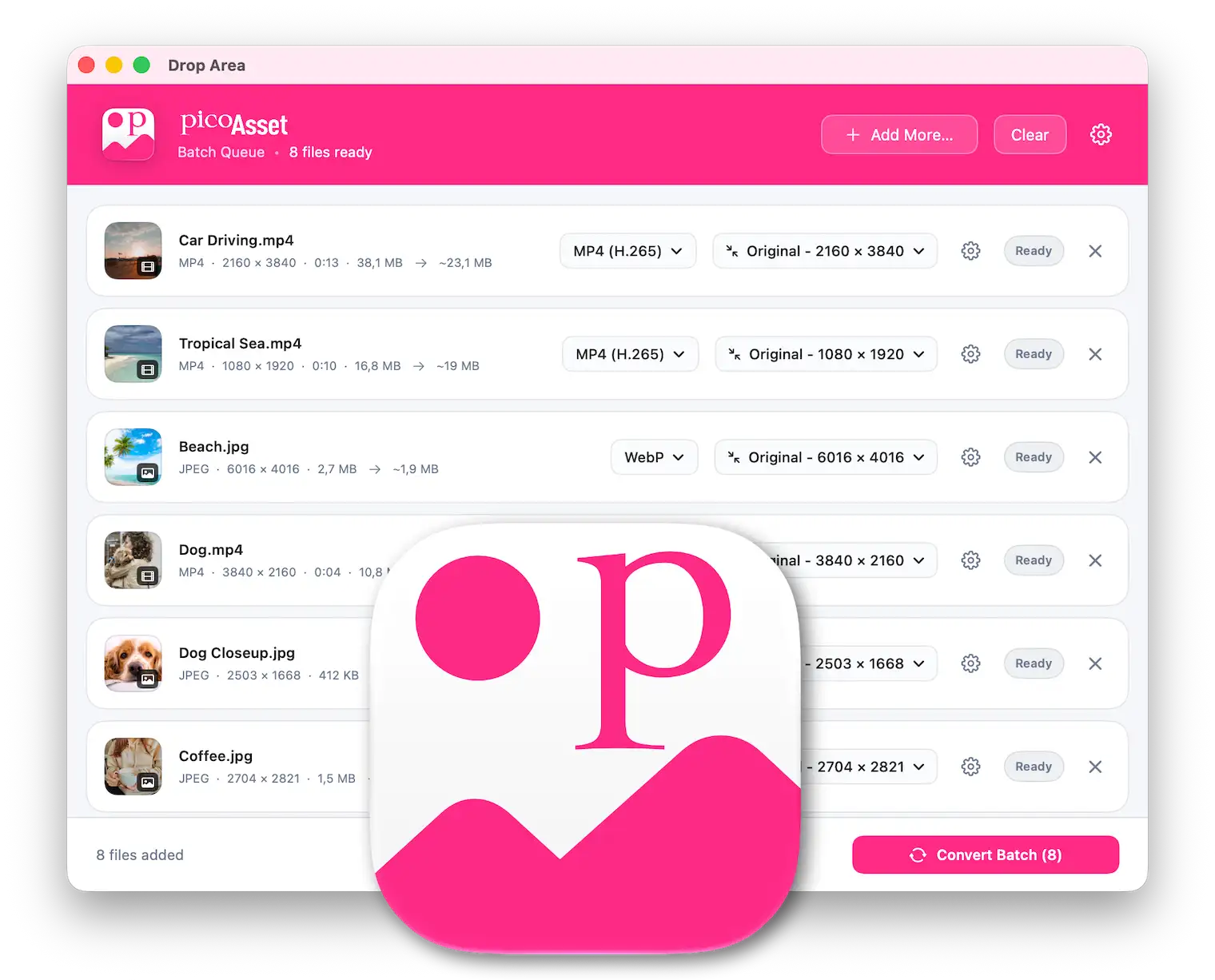
- Power through mixed batches of images and videos.
- Convert straight from Finder with saved settings.
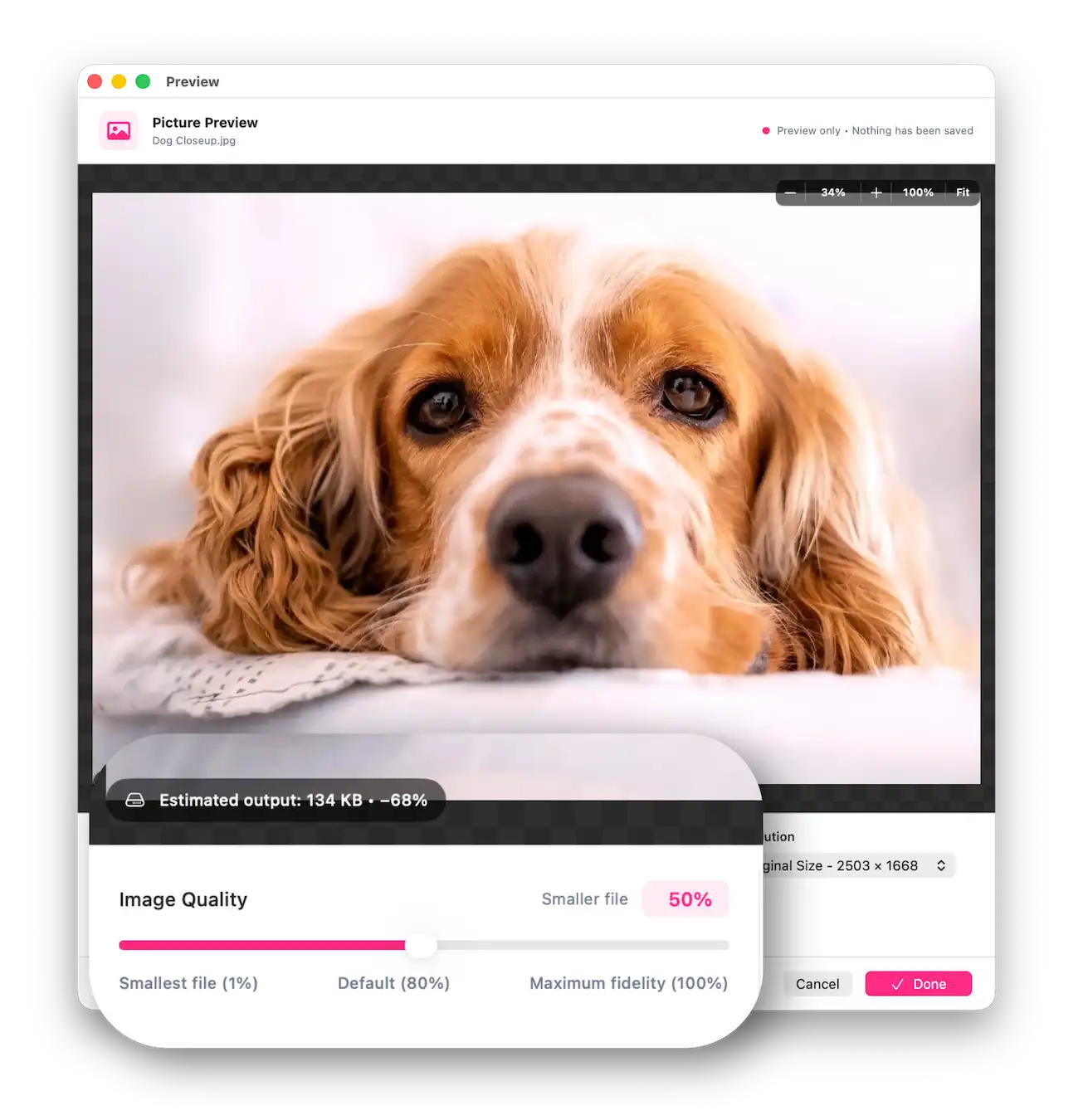
- Preview compressed images and video samples before exporting.
- Fine-tune quality, dimensions, and file size.
- Trim videos without re-encoding.
- Keep every conversion local and your originals untouched.
- Stay ready with a native Mac app that lives in your menu bar.

Tiny app. Massive superpowers.
Meet your Mac’s new conversion powerhouse.
Convert, compress, resize, and trim your media in one beautifully focused app.
Keep quality, reduce size
Give your images a lighter footprint and a bigger future.
Convert between JPEG, PNG, WebP, AVIF, and HEIC, with control over quality and resolution.
From website visuals to everyday photos, make every pixel earn its place.
Next Level Video Compression
Take your videos from “wrong format” to ready for their next destination.
Export MP4, MOV, WebM, and MKV with powerful codecs including H.264, H.265, VP9, and AV1.
Tap into hardware acceleration for H.264 and H.265, and keep your workflow flying.
Batch processing. Mixed files.
One effortless workflow
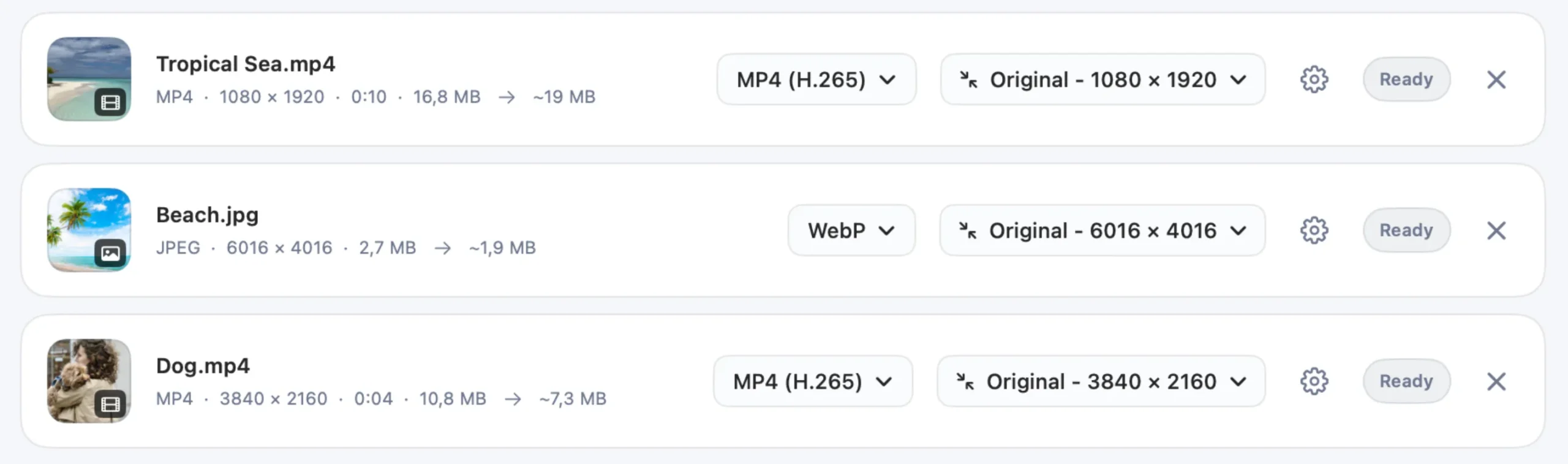
Photos, graphics, and movies—drop them all into the same queue.
Choose the format, quality, and resolution for each file, then let PicoAsset take over.
Power through your media in one batch and get back to creating.
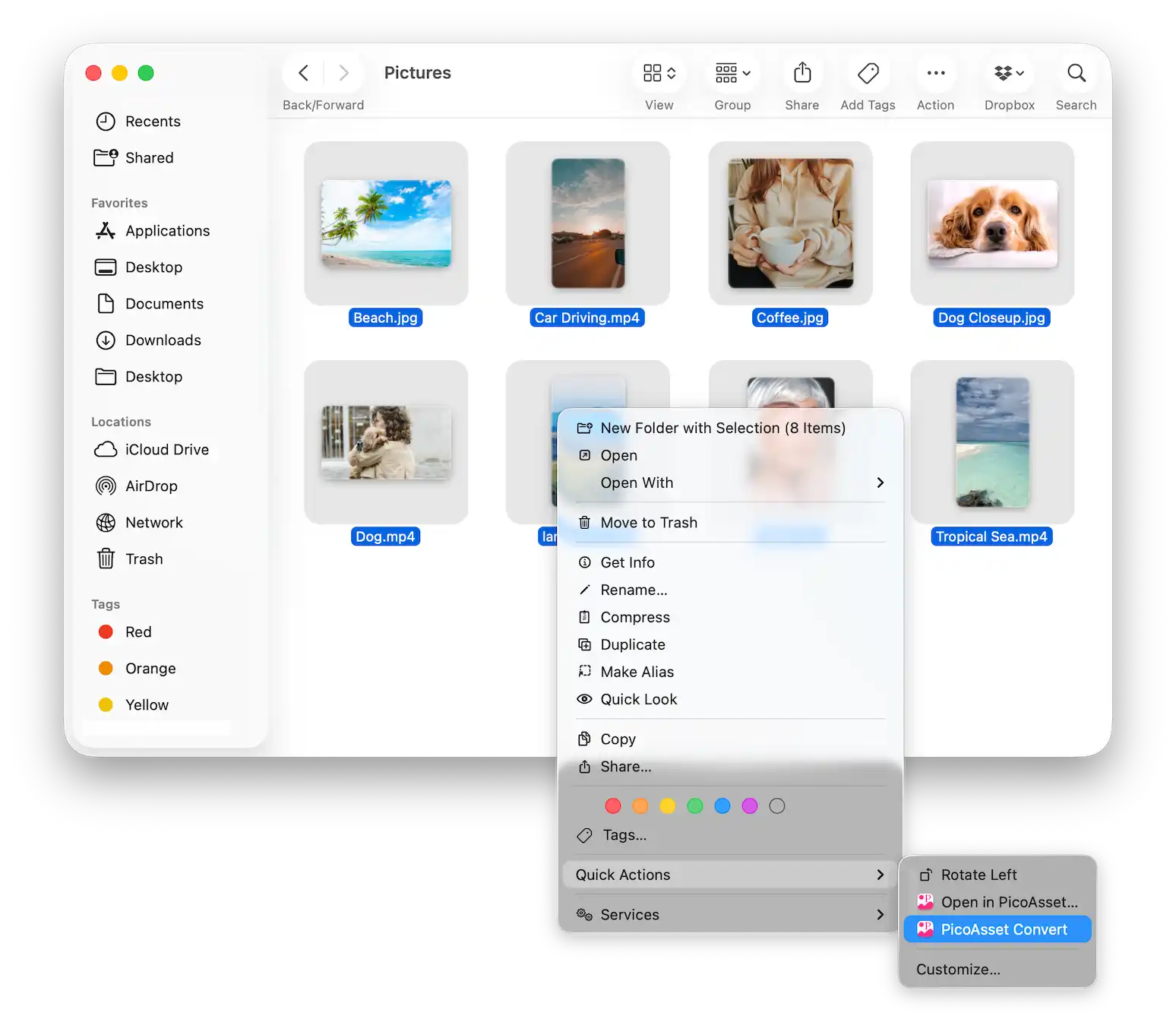
Right-click. Convert. Done.
Turn Finder into your conversion powerhouse with PicoAsset Quick Actions.
Select your images and movies, then choose PicoAsset Convert to put your saved settings straight to work.
Want more control?
Choose Open in PicoAsset… to preview, fine-tune, and convert your batch.
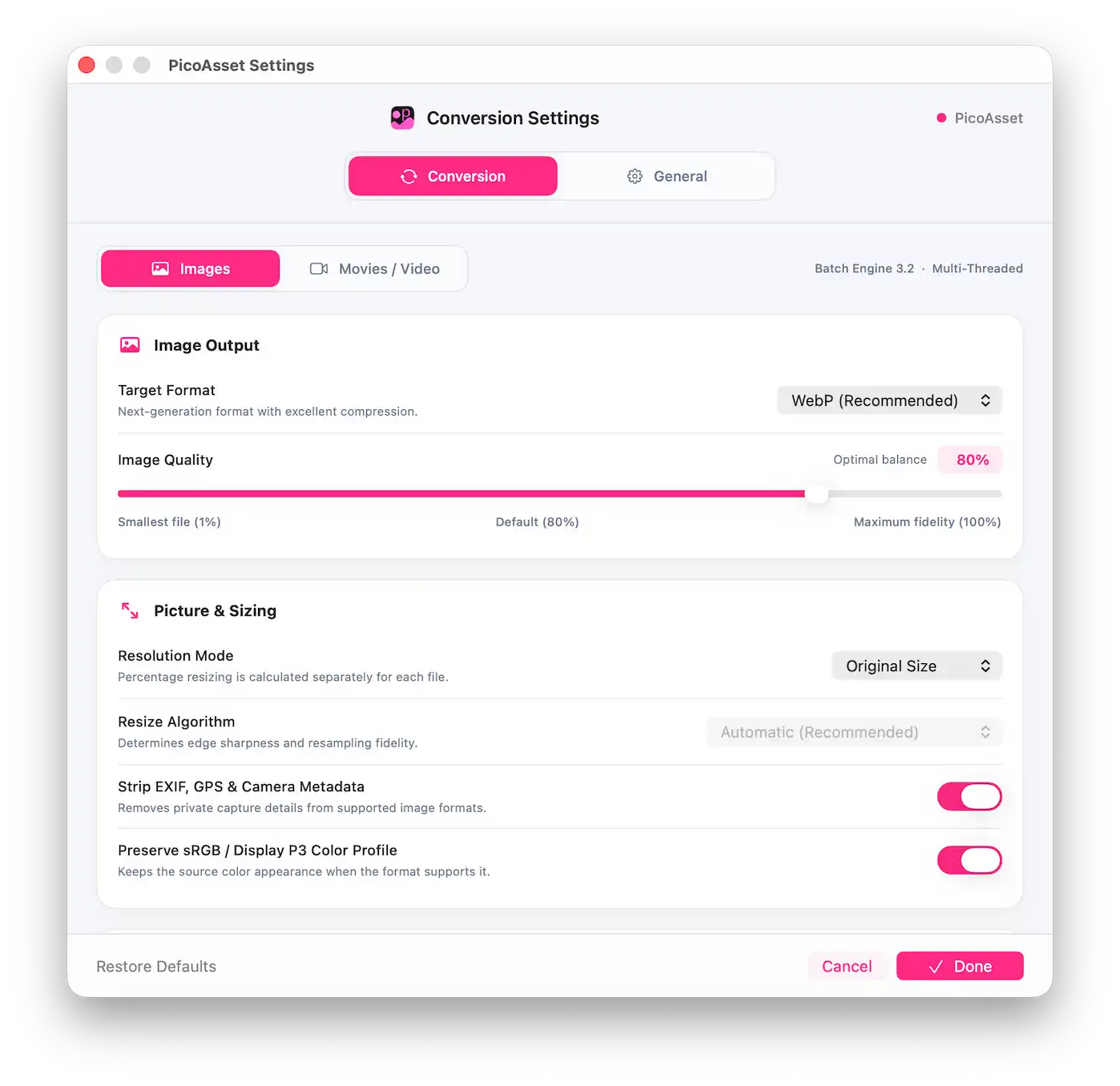
Control Default Conversions
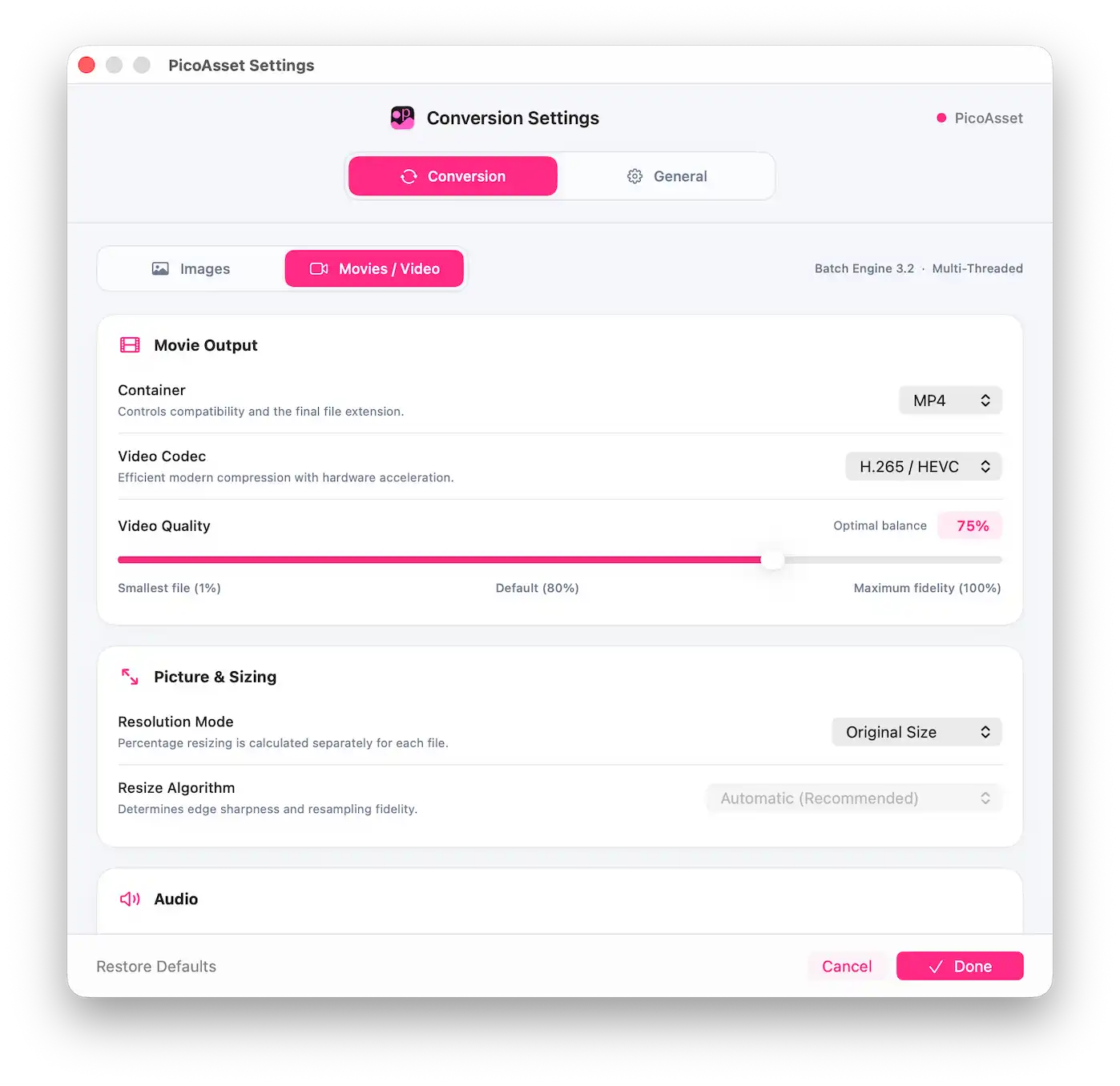
Give every picture the right format, quality, and dimensions, with resizing options that make every pixel count.
Take charge of your movies with MP4, MOV, WebM, and MKV, plus H.264, H.265, VP9, and AV1 video codecs.
Fine-tune video quality, resize the frame, and choose AAC or Opus audio, or remove sound entirely.
Save your favorite settings and make great results your everyday default.
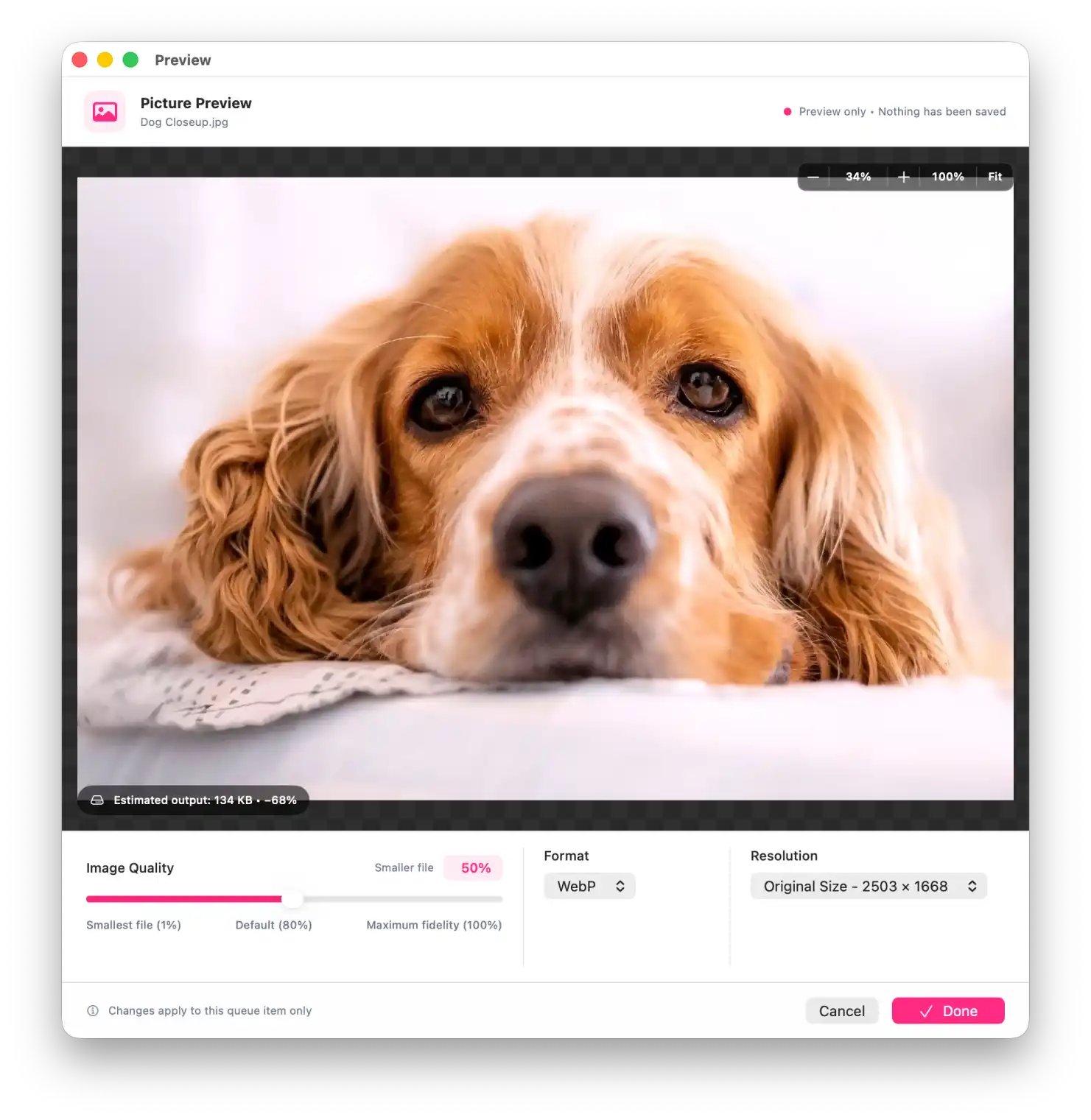
Picture Editor
- Adjust image format, quality, and dimensions in one place.
- Preview the compressed result and check its file size before converting.
- Choose from seven resizing algorithms to suit photographs, graphics, or pixel art.
- Export with your chosen settings while keeping the original file unchanged.
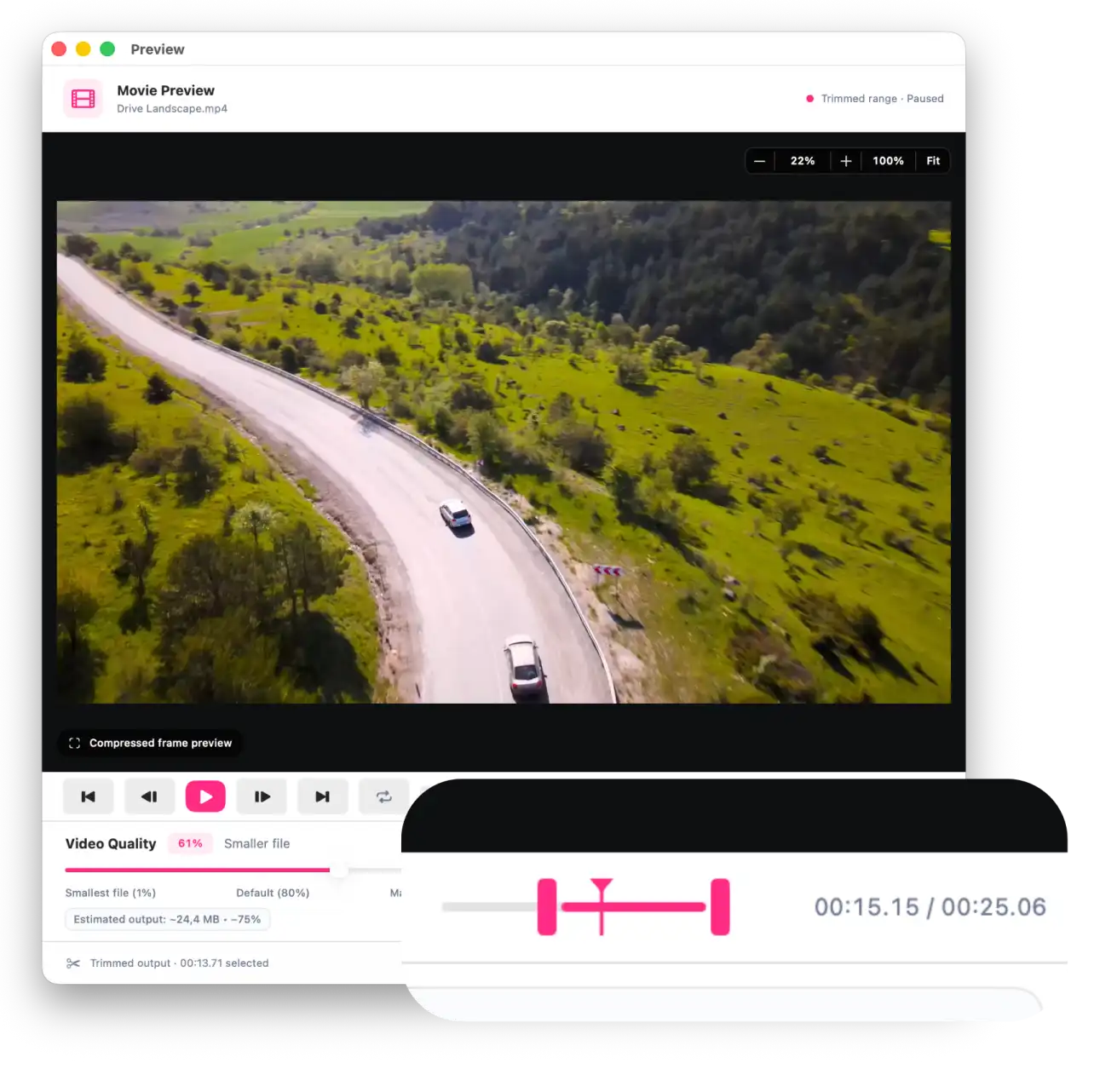
Movie Trimming With or Without Compression
Select the part of your movie you want to keep and export only that section.
Trim without re-encoding at available keyframes, preserving the original quality, format, and audio.
Or combine trimming with compression, adjusting the format, codec, quality, and resolution to reduce file size.
Preview your selected section before exporting, while keeping the original file unchanged.
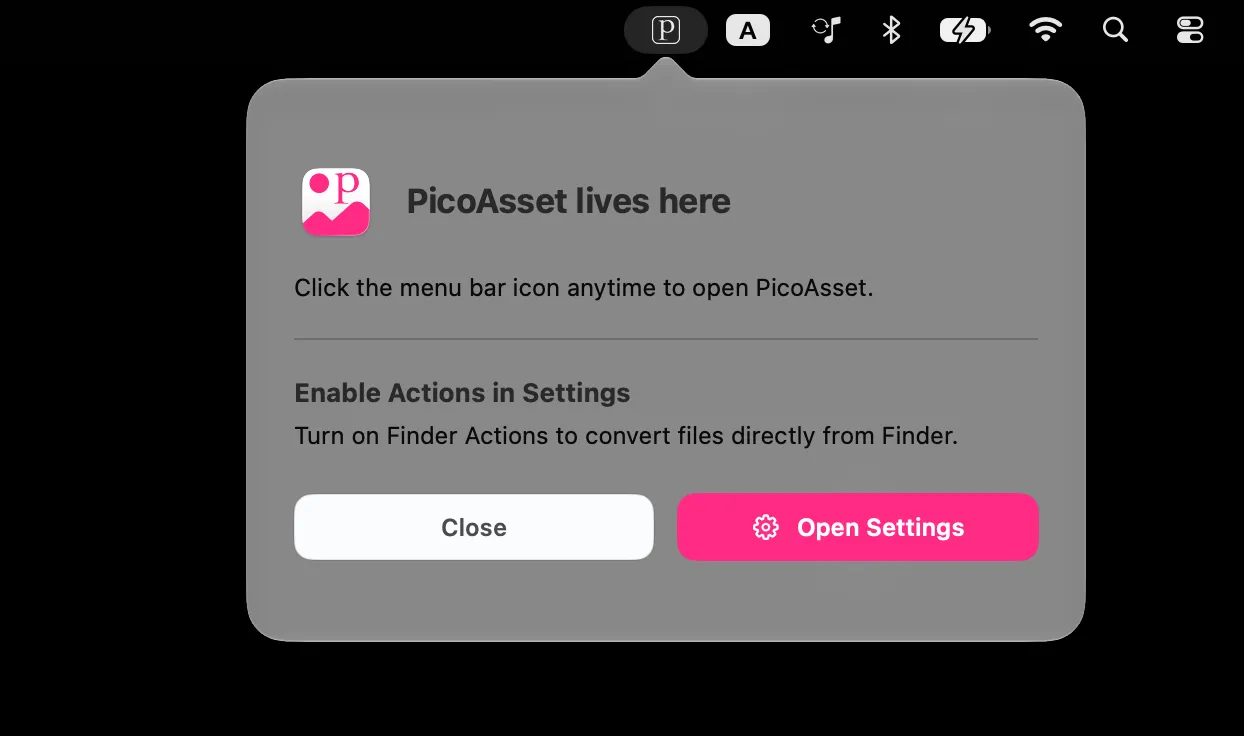
Always Ready in Your Menu Bar
PicoAsset lives in your Mac’s menu bar, providing quick access to the Drop Area, conversion settings, and Finder tools without cluttering your Dock.
Close its windows when you’re finished, and PicoAsset stays ready for your next conversion.
It can also get invoked with a keyboard shortcut.
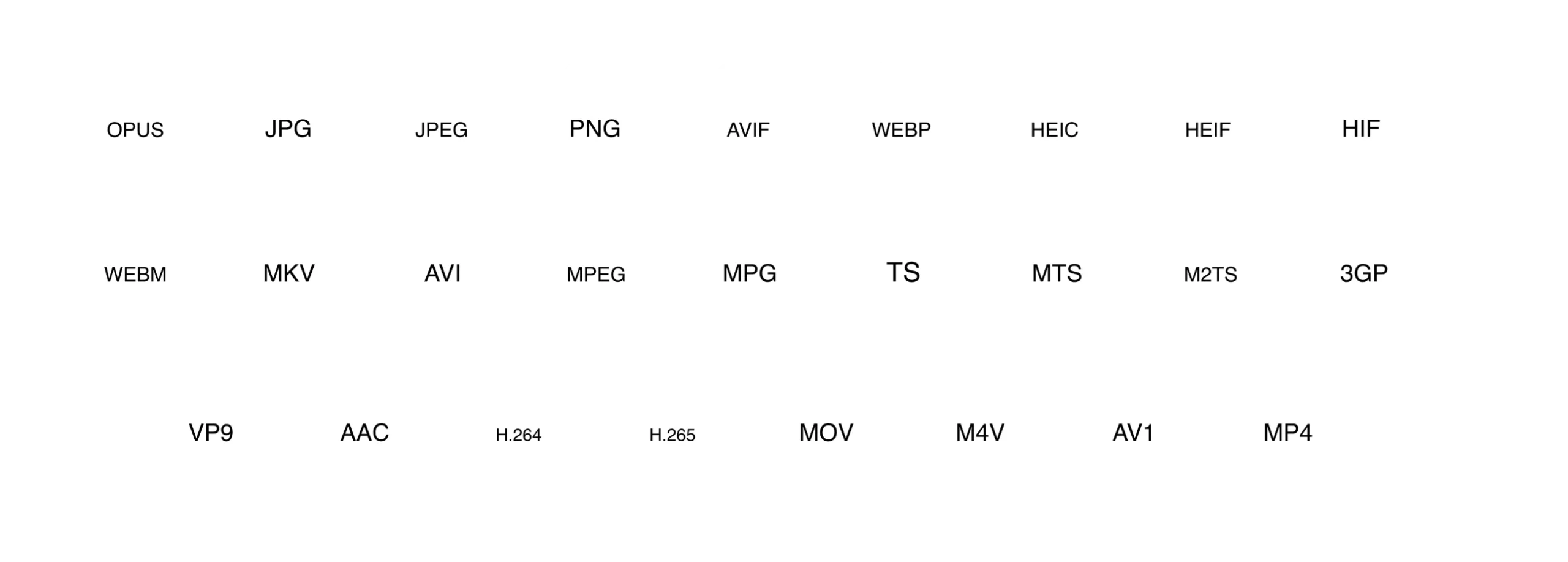
Supports all containers and efficient codecs
System requirements
- Operating system: macOS 14 Sonoma or later.
- Hardware: A compatible Mac with Apple Silicon or an Intel processor.
- Internet: No connection required for media conversion.
- Additional software: None. All conversion tools are included.
- Finder integration: Enable PicoAsset’s Quick Actions in System Settings after opening the app.