
DRPrint: Accurate ICC Target Printing Without the Usual Mistakes
Printing an ICC profiling target should be simple. In practice, it often is not.
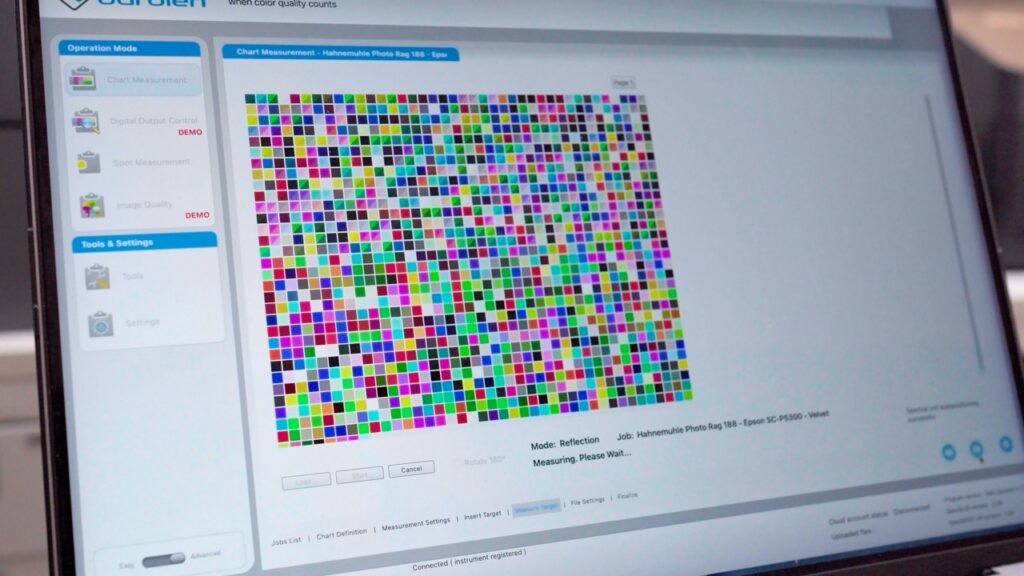
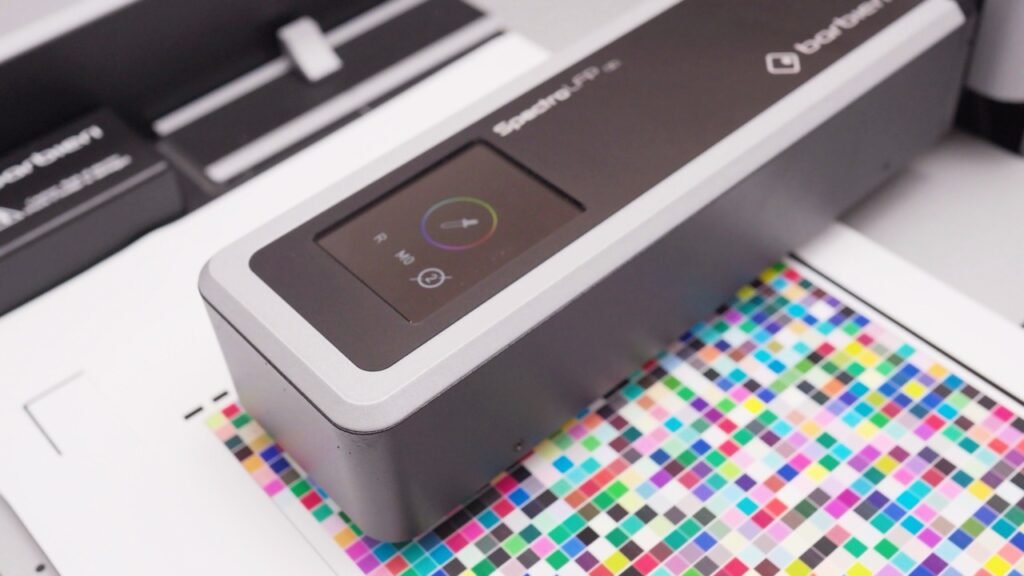
When creating a custom printer ICC profile, the target image has to be printed exactly as intended. No scaling. No unwanted color conversion. No accidental resizing. No embedded profile being interpreted in a way that changes the output. The printed chart is then measured by a spectrophotometer, and those measurements are used to build the final ICC profile.
That means the print itself is the foundation of the profile. If the target is wrong, the profile is wrong.
This is the problem DRPrint was created to solve.
The Problem With ICC Target Printing
ICC profiling targets are not normal images. They are measurement charts. Every patch on the page exists for a reason, and the profiling software expects those patches to be printed in a very specific way.
A small mistake can invalidate the whole process.
The target might be resized by the print dialog. An embedded ICC profile might be present in the file and go unnoticed. The image might be printed through a color-managed path when it should not be. The selected paper size or orientation might crop part of the chart. The final print might look acceptable visually, but still be technically wrong for measurement.
This is especially frustrating because profiling targets are expensive to produce. Fine art paper is expensive. Ink is expensive. Shipping the target to be measured costs money. If the target has to be reprinted and shipped again, the cost is not only financial. You also lose days.
For professional print workflows, that is the real issue: the mistake is often not obvious until much later.
Why Existing Workflows Are Not Ideal
For years, many users relied on Adobe Color Printer Utility to print profiling targets without normal color management. But that utility is old, limited, and not a modern solution for current macOS and Windows workflows.
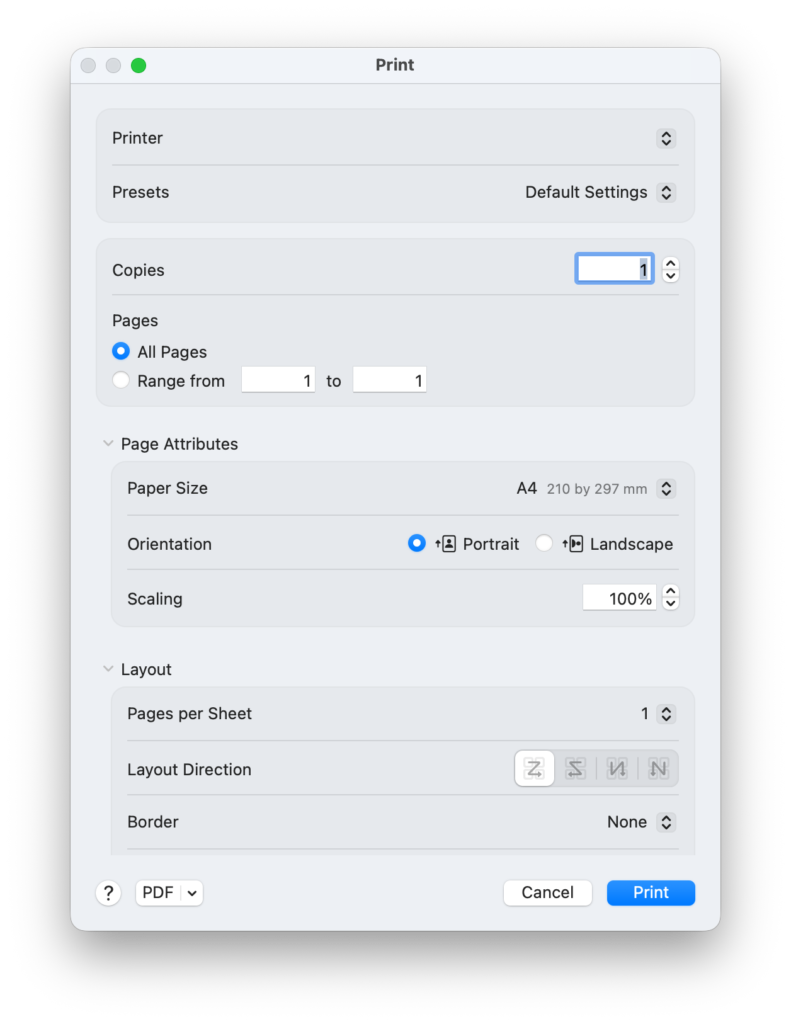
On macOS, printing can also become confusing because the system print path is closely tied to ColorSync. In theory, ColorSync is there to manage color correctly. In profiling-target printing, however, you often want the opposite: a controlled, predictable print where the target is sent to the printer without accidental transformations. When the operating system, application, driver, and file metadata all interact, it becomes difficult to know exactly what happened.
That uncertainty is the problem.
When printing an ICC target, “probably correct” is not good enough.
What DRPrint Does
DRPrint is a desktop application built specifically for printing ICC profiling target images.
It is not a general photo printing application. It is not a layout tool. It is not a RIP. Its purpose is narrower and more practical: load a profiling target, check the important information, and print it at the correct physical size with fewer opportunities for mistakes.
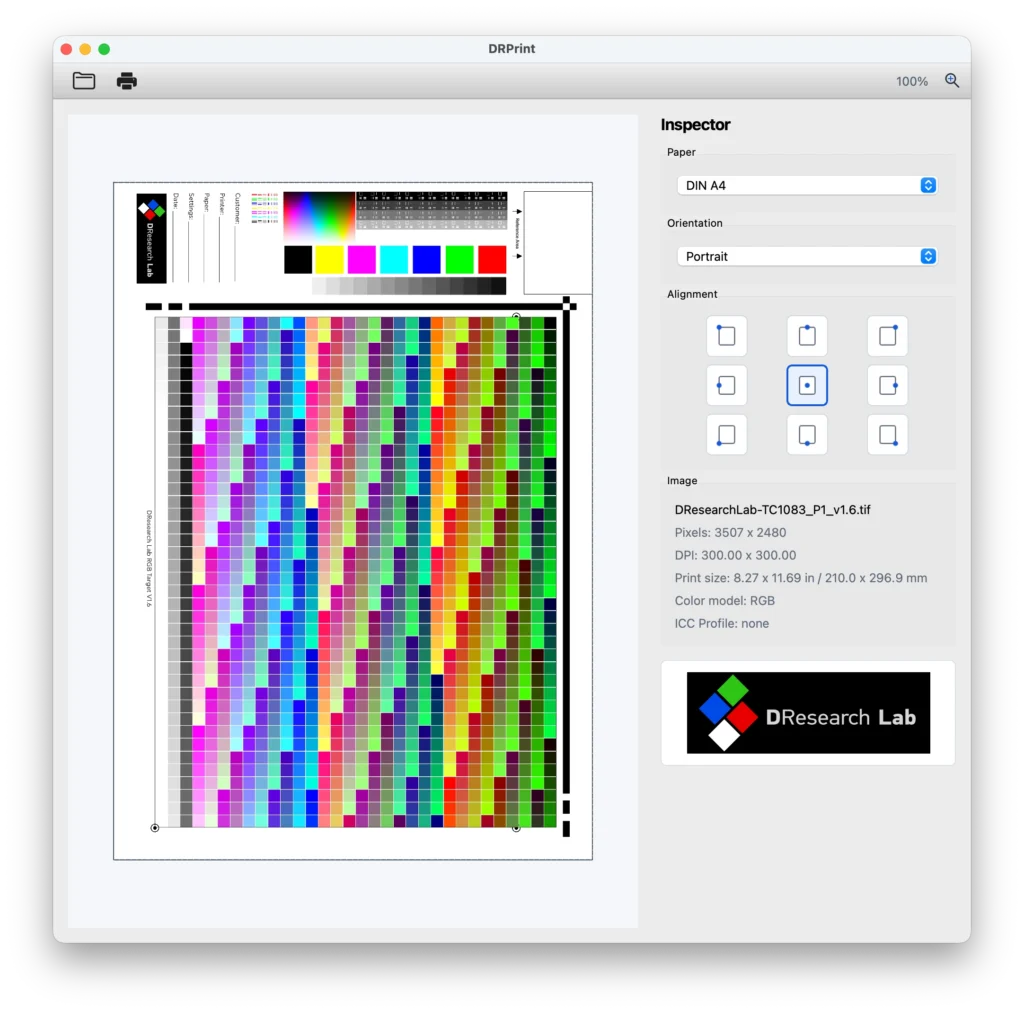
DRPrint reads the target image and displays the key technical information before printing, including pixel dimensions, DPI, physical print size, color model, and ICC profile status.
It prints the target at true 100% physical size based on the file’s own DPI metadata. There are no application-side scaling controls that can accidentally resize the target.
If an embedded ICC profile is detected, DRPrint warns you before printing and ignores the embedded profile for profiling target output.
It also supports automatic paper and orientation selection, while still allowing manual selection when needed. Supported paper presets include A4, A3, A3+, and A2. A 9-point alignment control lets you position the target precisely on the page, and the print preview helps you check placement before sending the job to the printer.
If the target is larger than the selected paper and will be cropped, DRPrint warns you before printing.
The Risks DRPrint Helps Reduce
DRPrint is designed to mitigate the most common ICC target printing errors:
Accidental scaling, where the target is printed slightly larger or smaller than intended.
Embedded ICC profiles, where a file contains profile metadata that should not be applied to the profiling print.
Wrong physical print size, where the target looks correct on screen but does not match the required dimensions on paper.
Incorrect paper selection or orientation, which can lead to cropping or wasted sheets.
Hidden setup mistakes, where the user only discovers the problem after the target has already been printed, shipped, measured, or rejected.
Unnecessary reprints, which waste paper, ink, shipping cost, and time.
The goal is not to make ICC profiling more complicated. The goal is to remove the avoidable mistakes before they happen.
Built for Real Profiling Workflows
DRPrint supports TIFF, JPEG, and PNG target files. It works with RGB, grayscale, and CMYK targets. It can be used with any printer installed through the operating system.
The application is available for both macOS and Windows, with support for macOS 13 Ventura or newer on Intel and Apple Silicon, and Windows 10 version 1809 or newer on 64-bit systems.
This makes it useful whether you are printing targets in-house, preparing targets for a remote ICC profiling service, or managing a controlled print workflow for fine art, photography, proofing, or production.
Why This Matters
A good printer ICC profile starts with a correct target print.
If the chart is scaled, color-managed incorrectly, cropped, or affected by embedded ICC Profiles, the final profile can be compromised before the first measurement is even made. That can lead to inaccurate color, wasted materials, and repeated profiling attempts.
DRPrint gives the profiling target its own dedicated workflow. It checks the things that matter, removes common sources of error, and helps ensure that the target you print is suitable for measurement.
For anyone creating custom printer ICC profiles, that is the difference between hoping the print is correct and knowing the main risks have been checked before the job leaves the printer.
DRPrint is available now from DResearch Lab, with a 7-day full trial and a license price of just €9.99 including Irish VAT.