
I built PicoAsset to make file conversion feel simple
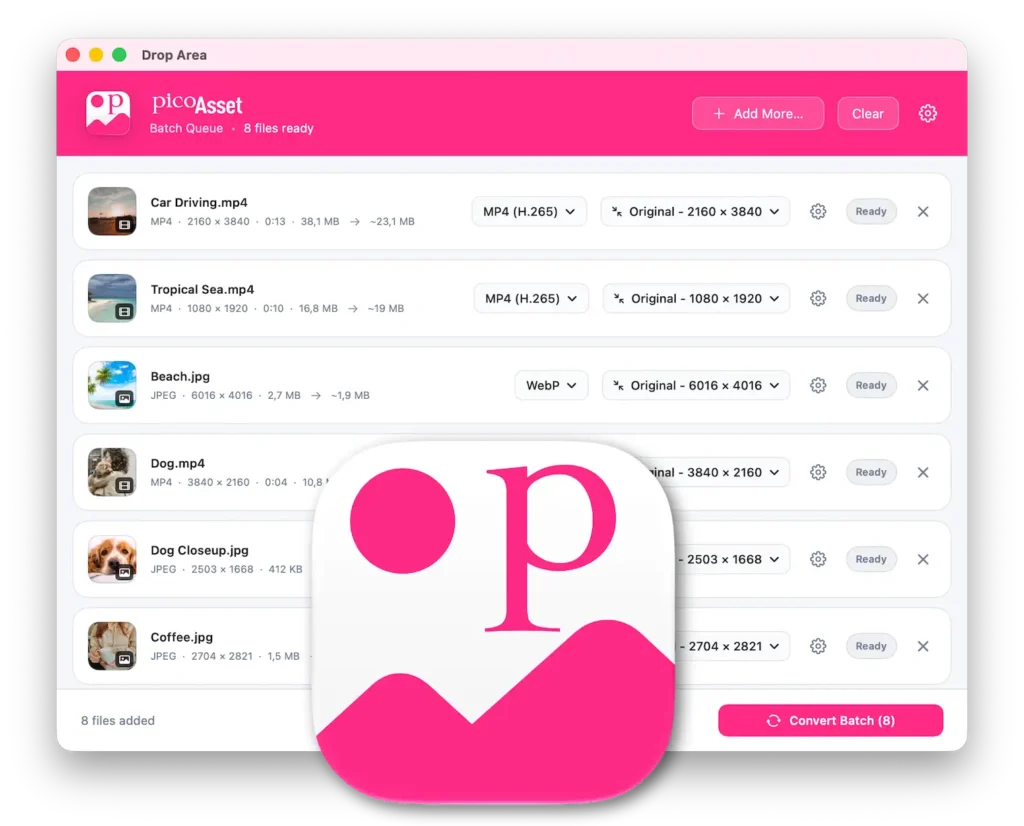

I regularly need to prepare images and videos for websites. A photo arrives as HEIC when I need JPEG. A page needs a lighter WebP or AVIF image. A video needs a format that will work for the people watching it.
These are small jobs, but I was spending too much time on them. I looked for a Mac app that worked well, felt intuitive, and let me see what I was getting before I exported. I couldn’t find one that fit my workflow, so I built PicoAsset for myself.
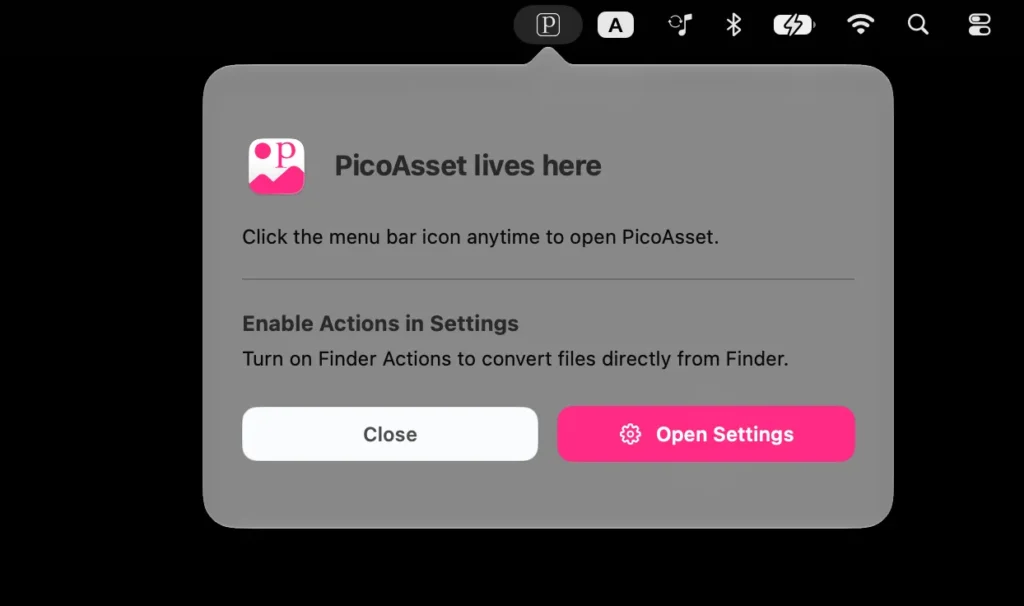
PicoAsset sits in the menu bar, ready when I need it. I can drop images and videos into one batch, adjust individual files, and convert them together. If I’m working in Finder, I can select files and use a Quick Action to open them in PicoAsset or convert them straight away with my saved settings.
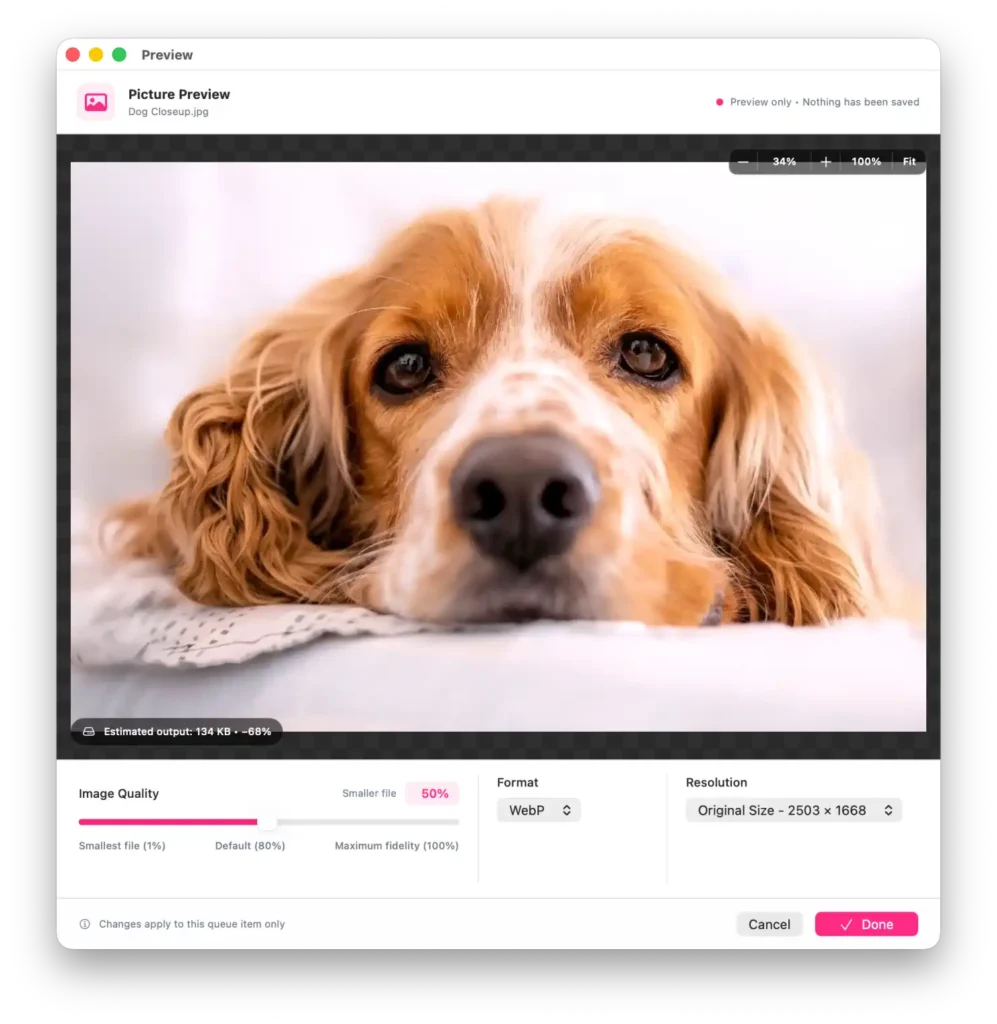
The preview is a big part of why I wanted to build it. When I change an image’s format, size, or quality, I can inspect the result and see an estimated file size before exporting. For video, I can look at a compressed frame or render a short sample using the settings I’ve chosen. It’s much easier to decide how far to compress something when I can actually see the difference.
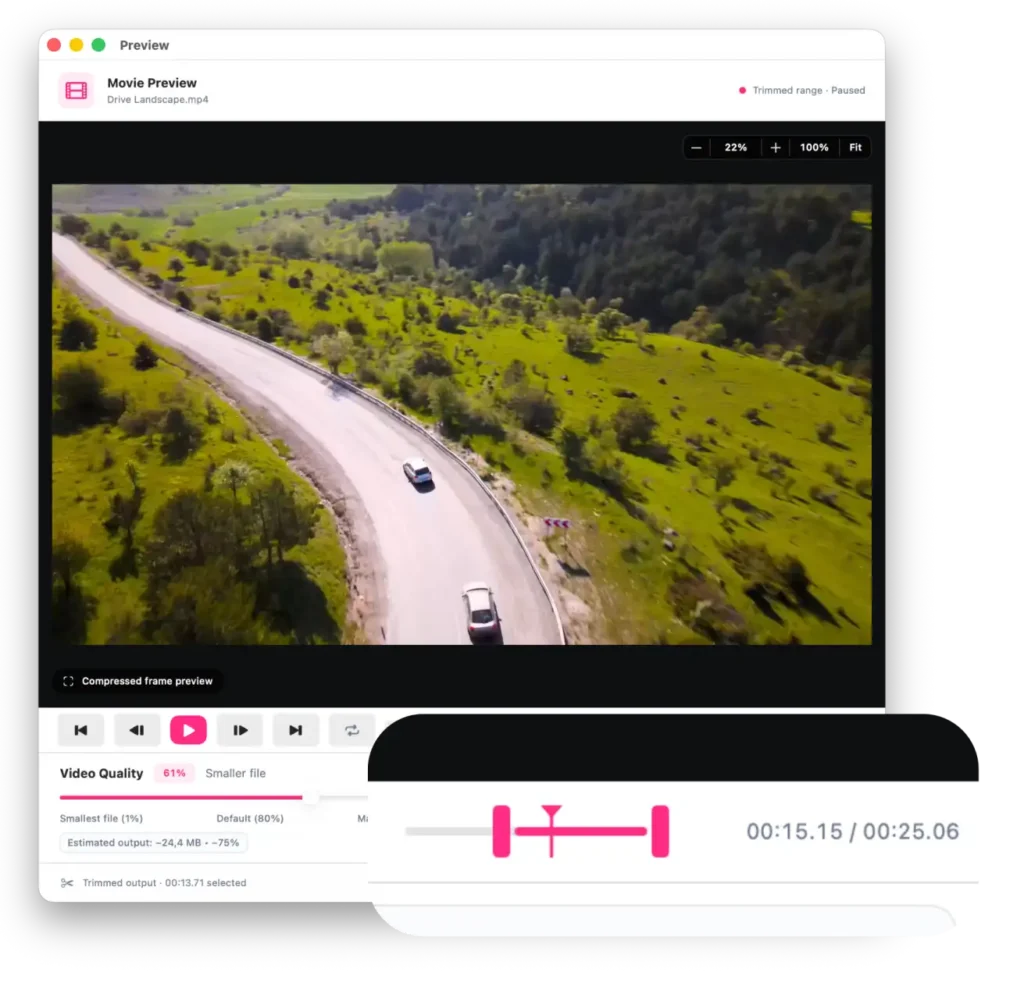
PicoAsset also helps with the work around conversion. I can crop images and videos, resize them, and trim a video clip without re-encoding it. When an image is too small, AI upscaling offers 2×, 3×, and 4× enlargement, with options for photos and artwork. I can preview the enlarged image before committing to an export.
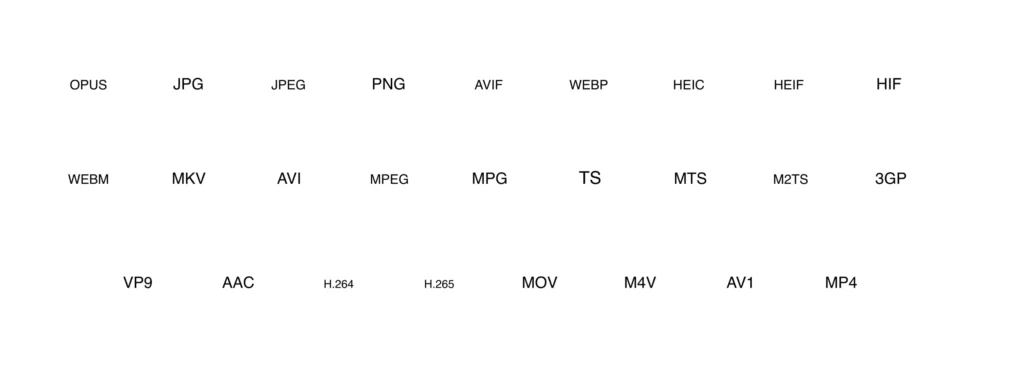
For web work, I can turn images into WebP or AVIF and tune the quality to suit the page. PicoAsset supports JPEG, PNG, and HEIC too. On the video side, it offers MP4, MOV, WebM, and MKV, with codec choices including H.264, H.265, VP9, and AV1. That gives me room to choose between broad compatibility and more efficient formats, depending on where the video is going.
Everything is processed locally on the Mac, and the conversion engine comes with the app. I wanted PicoAsset to be the tool I could reach for whenever a file needed fixing, without turning a quick task into a project.
If you often prepare images or videos for the web, I built PicoAsset for you too.